For a small team
Mofis Pro
- Each person uses the Mofis desktop app
- Share the same numbers with your team
- $49 per person per month
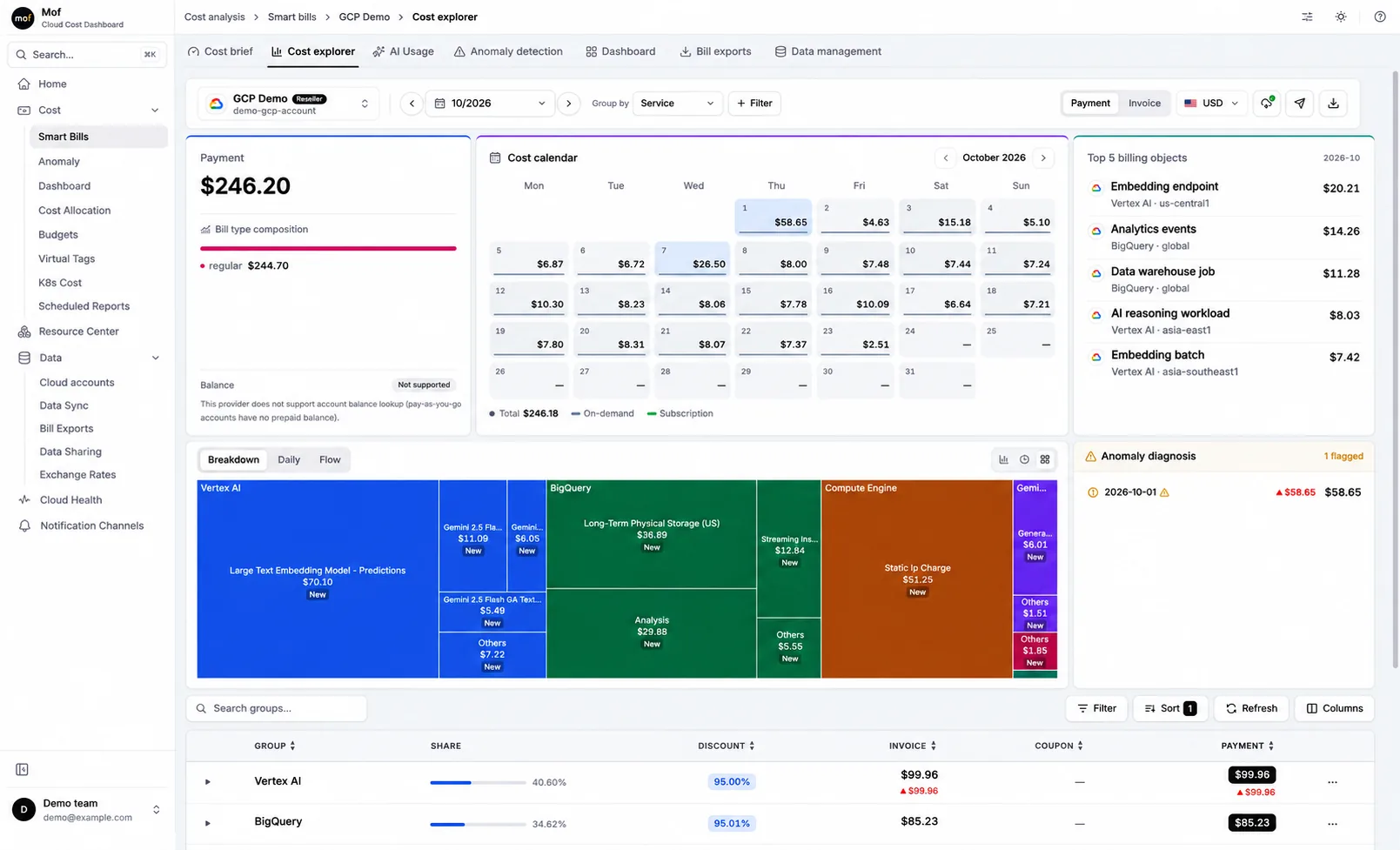
Finance and engineering share one cloud cost system. Keep billing data on your servers and connect through a browser or Mofis.
For a small team
For the whole company
Finance can use the browser. Engineers can use Mofis. There is no license per person.
Give finance and engineering browser access to cloud bills, cost analysis and team workflows.
Manage users, cloud accounts, licenses and system settings in one place.
Connect compatible AI clients to query cloud costs within each user’s permissions.
Unlimited users can connect Mofis to your company’s MOF, with no separate desktop license per person.
Mofis access is covered when connected to your licensed MOF. Standalone local workspaces follow their own Free or Pro plan.
AI model subscriptions and API usage are not included in the MOF license.
Annual license
$7,000per year, unlimited users
Mofis included for everyone
Run Dash, MOF, MCP and PostgreSQL on one host. MOF serves the API and runs sync jobs in the same process.
Your Mof server
Use a load balancer for multiple MOF nodes, or run separate workers for demanding sync jobs.
Only to reach your cloud accounts' billing APIs. The license is checked on your own server, with no call home.
PostgreSQL. Mof relies on PostgreSQL features, so other databases aren't supported.
Start with 2 vCPU and 4 GB, then size memory, storage and workers for your billing volume and sync workload.
Online technical support from the engineers who build Mof.
Mof becomes read-only: everyone can still see the data, nothing is deleted, and renewing brings everything back. Mofis on people's laptops keeps working on the free plan.